Webhooks and APIs for Routing Meeting Intelligence Into Existing Systems
Connect meeting insights to your business tools in real time with webhooks and APIs.
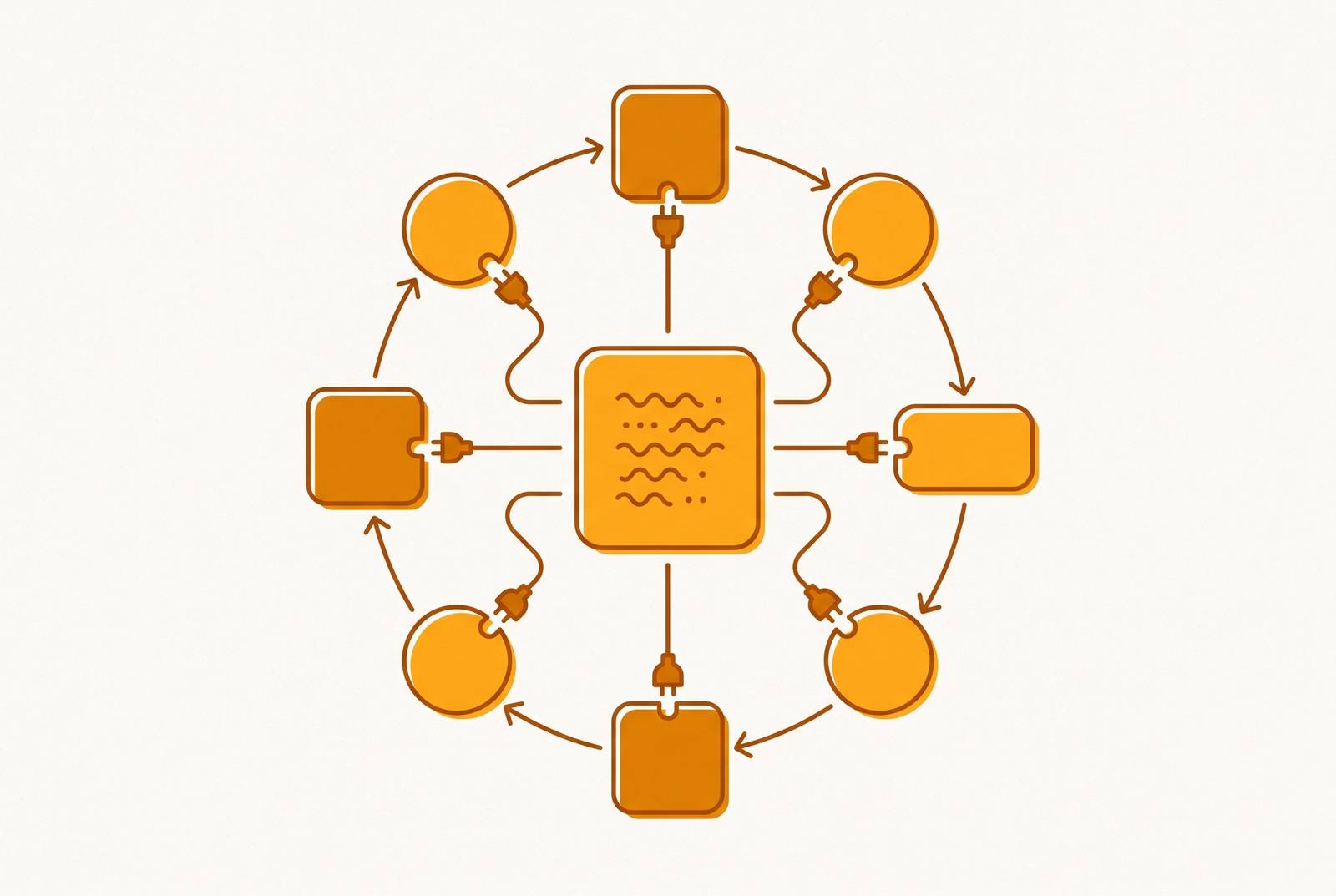
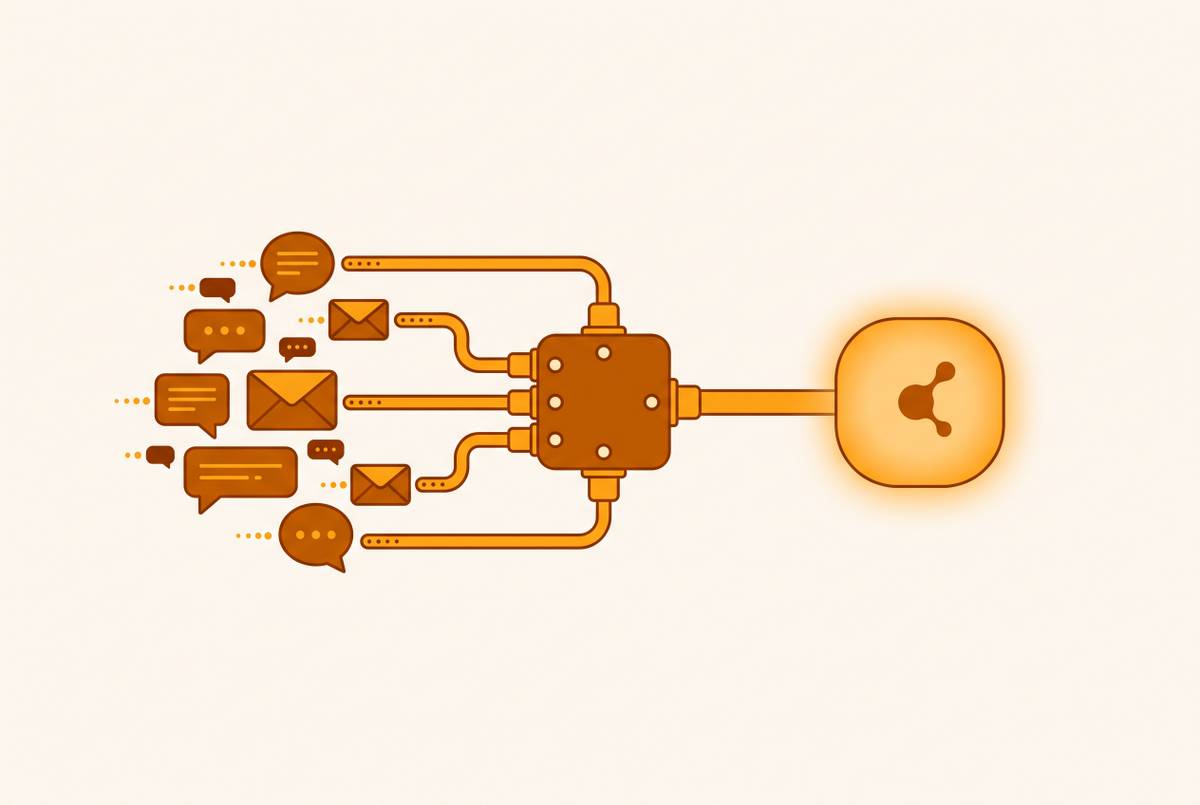
The call ends, the summary lands in your inbox, and nothing else happens. The CRM doesn't know a deal moved forward, the project tracker doesn't know a deadline shifted, and Slack stays silent about the decision three people just made. Most meeting tools produce a transcript or summary that lives in a closed app, cut off from every other system where the work actually continues, which makes the output structurally useless the moment the call ends. A perfectly accurate transcript sitting in a silo is still a dead document. Meeting output has to become a live event that other systems can subscribe to and act on instead of a file someone has to remember to go read. Webhooks push data out, and APIs let other systems pull it in.
What the bot-as-participant model produces and why structure is what makes routing possible
A meeting bot that joins a call through an API call isn't just recording audio for later. It returns a structured data object: a speaker-attributed transcript, timestamps, a summary, and action items pulled out of the conversation. That structure, not the audio itself, is what makes programmatic routing possible, because a downstream system can't act on a sound file but it can act on a field that says who said what and when.
Two design choices at this layer shape everything that happens downstream. Post-call webhooks are enough for CRM updates and summary emails, where a few seconds or minutes of delay costs nothing.
There's also an alternative to the bot-as-participant model. Desktop recording SDKs, which Recall.ai also offers, capture microphone and system audio locally without any bot appearing in the call's participant list. That matters for meetings where a visible bot isn't welcome or appropriate, a point worth returning to later, since the choice between a visible bot and silent local capture has consequences for consent that go beyond engineering.
Webhooks turn meeting events into triggers the rest of your stack can act on
A webhook sends a signed HTTP POST to a URL you've registered the moment a defined event happens, and the system on the receiving end processes that payload and takes action immediately. Nylas's Notetaker API fires a webhook at every stage of a bot's lifecycle: notetaker.created, notetaker.updated, notetaker.meeting_state, notetaker.media, and notetaker.deleted, so an application can react to a meeting's progress without ever asking the server "is it done yet?"
Vexa takes a related but distinct approach, exposing a signed event when a meeting starts, ends, or fails, while streaming real-time transcripts over WebSocket. The two mechanisms solve different problems. A webhook is a discrete notification: the meeting ended, the transcript is ready, go do something with it.
What separates a basic integration from a genuinely useful one is the event taxonomy a platform exposes. Semantic events, like an action item being created or a decision being recorded, tell you something meaningful happened inside the conversation. That semantic layer lets a downstream system respond to meaning as it happens.
None of this works without handling a less glamorous problem: webhook delivery isn't guaranteed to happen exactly once. Tools like Circleback expose webhooks and APIs specifically to solve this architectural gap, turning meeting output into live data that other systems can subscribe to and act on, freeing it from a closed app.
Pulling data on demand: when the API endpoint matters more than the webhook
Webhooks handle the push. The API fetch pattern handles everything else: on-demand queries, backfilling old data, and pulling only the specific records you need. A complete routing setup uses both, because they solve different problems at different moments.
Fetch-on-demand use cases appear constantly in practice. None of these are "push" scenarios, because nothing happened just now that should trigger a notification. Someone is asking for something that already exists.
Recall.ai makes this split explicit in its architecture: transcripts are available in real time through a webhook or WebSocket, and also after the call through a direct API endpoint. It's the same data, reached two different ways depending on what the requesting system needs at that moment. Nylas adds a further wrinkle with per-customer retention controls, where how long recordings and transcripts stay available can be set per customer or handed off to that customer's own IT admin to manage. That means the fetch window isn't infinite, and teams building on top of these APIs need to design around the fact that old data may simply not be there anymore if nobody set retention to keep it.
The pull pattern also supports selective retrieval. That matters at scale, where not every meeting should route to every destination, and filtering at the query level avoids flooding a CRM or task tracker with noise.
Routing meeting output into CRMs: what the integration does at each step
For most teams, the CRM is the highest-value destination for meeting data, and the gap between "we built a webhook" and "the right information landed in the right place" is most visible there. The basic flow looks simple on paper: a meeting ends, a webhook fires, the payload carrying the summary, action items, and speaker attributions arrives, a CRM API call runs, and a record gets updated or an activity gets logged. Each one of those arrows hides a real engineering problem.
Matching the meeting to the correct record is the first failure point. Which contact does this belong to? Which deal, which account? If the names don't line up cleanly, the match fails silently.
Nylas addresses part of this by letting its Notetaker API accept custom instructions per meeting, so a summary can be structured around a specific sales framework or action items can be grouped by team member before the data even reaches the integration layer. Circleback takes a more direct route for this particular destination, connecting to HubSpot, Salesforce, and Attio and pushing summaries, action items, and decisions straight into existing records without requiring a team to build a custom webhook integration first.
Even with a clean connection, mapping action items to tasks remains a problem. A CRM or task system doesn't want a name, it wants a user ID. That means any custom pipeline needs a maintained lookup table mapping speaker names to system identifiers before the API call to create the task can succeed. Skip that step, and tasks fail or get created without an owner.
Routing into project and communication tools
Most teams start by wiring meeting output into project and communication tools through no-code automation platforms, and for simple cases, that approach works fine. A common setup sends a webhook with the transcript payload to an LLM for extraction, then pushes the resulting structured output into Notion, Asana, Linear, or Slack, with each step living as a separate node in a workflow builder. It's quick to set up and doesn't require writing custom integration code.
The cracks appear once action items need to land on the right person in the right tool. Chain enough no-code nodes and each one becomes another point where a payload can get malformed, a rate limit can get hit, or a step can silently fail.
The task assignment itself still has to be solved no matter how the pipeline is built. An action item like "Sarah will prep the release notes" still needs to be mapped to Sarah's actual user ID inside whatever project management tool is receiving it. Without a maintained lookup table connecting names to IDs, tasks land unassigned, or the automation fails without anyone noticing until someone asks why nothing happened.
Slack illustrates the same problem from a different angle. The destination layer, where the right person actually gets pinged, is where the no-code approach runs into its ceiling.
Connecting meeting data to AI agents via MCP: what changes when the context is live
MCP changes what meeting data is for. Instead of a payload routed once to a fixed destination, it becomes a context layer an AI agent can query directly, pulling the specific transcript or decision it needs instead of receiving every transcript whether or not it's relevant to the task at hand.
The underlying problem MCP solves is a familiar one: transcripts live in one system, AI assistants like Claude, Cursor, or Codex live in another, and historically nothing connected the two. Without MCP, the options were copying text by hand or setting up a one-way push that may or may not contain what the agent actually needs for the task in front of it. Vexa exposes an MCP server that lets Claude Code, Codex, OpenClaw, or any MCP-compatible client connect directly to live meeting data, so an agent can query transcripts, pull specific decisions, and reference context in real time without anyone copying and pasting anything. Circleback exposes a similar MCP connector alongside its API, webhooks, and CLI, so meeting context is reachable by AI agents the same way it's reachable by any other downstream system, letting builders plug it into whatever AI toolchain they're already running.
Access in most current implementations is scoped to the requesting user's own transcripts. That blocks the cross-team queries that leadership and operations staff actually need, like searching for every decision made about a specific vendor across a dozen teams. This is a genuine architectural limitation built into how most MCP implementations are scoped today, not a setting someone forgot to flip.
A second thing to check before building on any MCP server: the spec itself moved to a stateless core architecture, removing the old initialize and notifications/initialized handshake in favor of carrying protocol version and client capabilities directly in each request's metadata. Anyone evaluating a vendor should ask directly when its MCP implementation was last updated to match the current spec.
Organizational memory that compounds: what meeting data routed at scale becomes
Everything described above, the webhooks, the lookup tables, the CRM fields, the MCP connectors, exists to produce one outcome: when every meeting's output routes consistently into the systems where work happens, the accumulated record stops functioning as an archive and starts functioning as organizational memory. It's context new hires can search, context AI agents can query, and context that doesn't walk out the door when an employee does.
A wiki holds what someone decided to sit down and write. Meeting data routed consistently holds what actually happened: the decisions made, the reasoning behind them, and who committed to what and to whom. That distinction matters most at the moment of departure. When a senior engineer or a principal architect leaves, the institutional knowledge they carried leaves with them, and a searchable archive of meeting transcripts is one of the few mechanisms capable of recovering any of it afterward.
Onboarding is where the most immediate return appears. Circleback's feature for searching across every past conversation is a direct product expression of this idea, turning an entire meeting history into a corpus that can be queried.
None of this works if routing is inconsistent. Consistent routing is the prerequisite, not an optional refinement.
The consent and visibility questions that routing introduces before you start
Before any of this gets built, two questions need answers that no amount of API design can supply: does everyone on the call know it's being recorded, and is that notice legally sufficient wherever those participants happen to be.
Consent rules within a single country aren't uniform. California's all-party rule follows California participants even when they're on a call with people in other states. Geography alone doesn't settle the question.
The EU AI Act adds a further layer for notetakers used in recruitment or employee monitoring contexts, where potential classification as a high-risk AI system brings monitoring obligations, log retention requirements, and mandated human oversight. None of these constraints are solved by picking the right webhook format. They determine what can legally be recorded and routed in the first place, and they belong at the start of any implementation plan, not as an afterthought once the integration is already built.
Evaluating whether a meeting intelligence platform's API is production-ready
A platform that performs well in a demo and one that holds up under real production load differ on a specific, checkable list of capabilities, and most evaluation checklists skip the ones that matter most once volume increases.
Check whether the platform fires lifecycle events, processing events, and semantic events like action_item.created or decision.recorded, or whether it only sends a single generic notification after the call ends. The semantic layer lets a downstream system respond to meaning, confirming more than just that a file exists. Check whether webhook payloads are signed and whether the documentation specifies retry behavior, since without that information, deduplication becomes a problem the builder has to solve alone. For teams building live coaching tools or in-meeting agents, real streaming delivery, whether WebSocket delivery as Vexa provides or real-time transcript delivery as Recall.ai provides, is a hard requirement that a post-call webhook simply cannot substitute for.
Multi-platform coverage matters at scale too. These aren't minor conveniences, they're the features that separate a platform built for one team's internal use from one built to run in production across many customers.
For organizations in regulated industries, self-hosting may not be optional. Vexa is open-source under Apache 2.0 and supports full self-hosting on Kubernetes, OpenShift, or Docker Compose, using either a custom transcription model or Vexa's own self-hosted Whisper unit, with storage kept entirely under the organization's control. Last, check MCP support directly: does the platform expose an MCP server, and has that implementation been updated to match the current spec. That's becoming a basic requirement for any team building on top of AI coding agents or LLM-based assistants, not a speculative future need.
For teams that want this outcome without building the integration layer themselves, Circleback handles the full stack end to end: transcription, summarization, action item extraction, and routing into HubSpot, Salesforce, Attio, Linear, Slack, and Notion, with Asana reachable through Zapier or Make. It also exposes an API, an MCP connector, a CLI, and webhooks for teams that want to build further on top of what it already provides. The choice between building this routing layer from scratch and adopting a platform that already does it comes down to how much of the engineering described above a team wants to own directly, and how much it would rather hand to a system already built to handle it.