Meeting History as an Onboarding Artifact
Searchable meeting records can cut new-hire onboarding time by months.

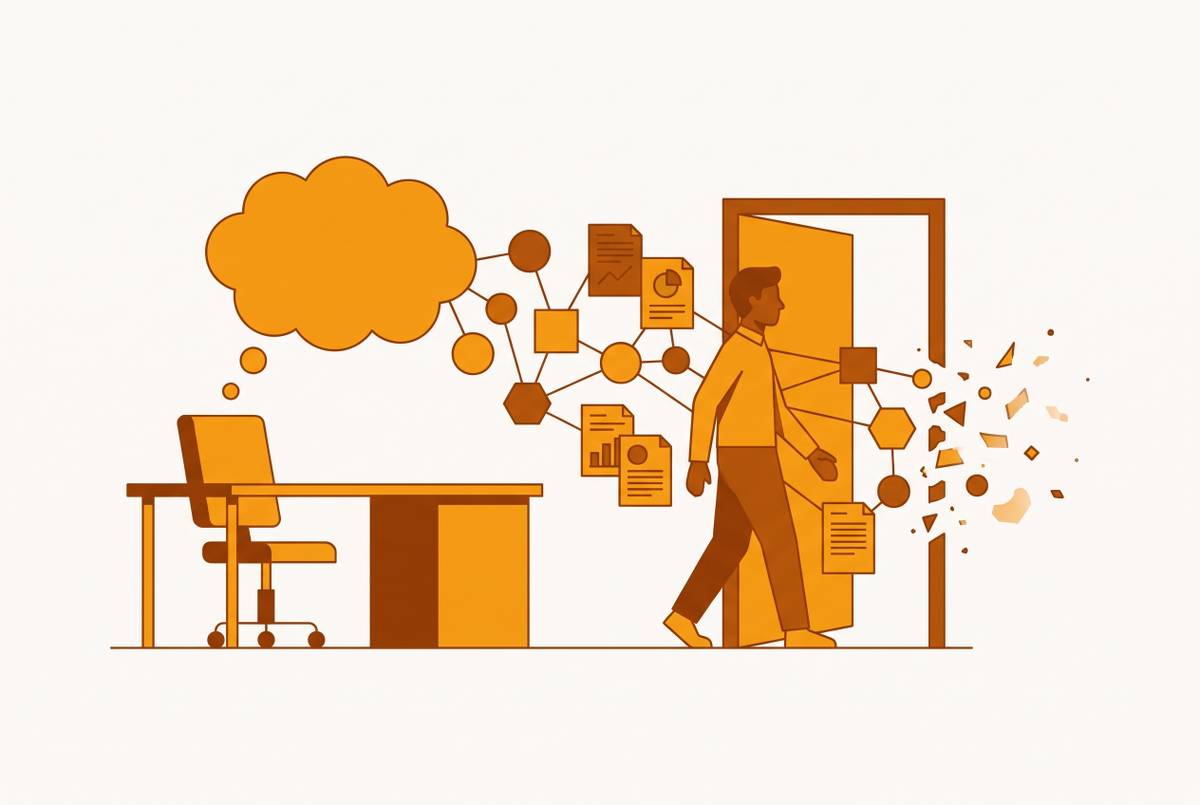
A new hire's first month runs on a strange kind of blindness. Documents describe what the team decided, but nobody wrote down why, and no wiki page explains which stakeholder needs to be handled carefully or which vendor got rejected twice already. Thin documentation is not the issue; the reasoning behind decisions, the map of who trusts whom, and the record of what got tried and dropped all live in colleagues' heads and nowhere else.
The scale of the loss is bigger than most teams admit. Professionals spend a serious chunk of every month sitting in meetings, and the research on memory is blunt about what happens next: people forget roughly half of what got said within a day of the conversation ending. That forgetting doesn't stay contained to the person who was in the room. It compounds across a team, so that by the time a new hire shows up, even the veterans who sat through the original conversation are running on a thin, degraded copy of what actually happened.
SHRM research puts new hires at 8–12 months to reach full productivity in knowledge-intensive roles. That span isn't about learning a job function. It's the time it takes to rebuild, conversation by conversation, context that already existed and simply wasn't captured anywhere durable.
The documents that do survive make this worse in a subtle way. A strategy deck or a decision log records the conclusion. Someone reading "we chose vendor X" has no idea that vendor Y was seriously considered, who raised the objection that killed it, or that the team agreed to revisit the choice if a specific condition changed. Meetings are where that reasoning actually happens, in real time, with disagreement intact. Capturing them well means capturing the reasoning itself.
AI meeting capture and the importance of searchability
An AI meeting tool produces something other than a transcript in any meaningful sense. What it produces is structured, speaker-attributed, searchable context that someone who wasn't in the room can move through without reading start to finish. That distinction affects how usable the material is, because a transcript is still, functionally, a wall of text. Structured context is something you can query.
Accuracy used to be the whole conversation around these tools, and it isn't anymore. A hands-on review from Simular found the leading tools all landing in the 90 to 95 percent range for English transcription. The technical floor has been solved well enough that it stopped being a differentiator.
The real competition happens downstream, in how effectively a tool turns raw conversation into something searchable, something that generates follow-through, something that plugs into the workflows people already run. A transcript that sits in a folder is inert. Speaker identification does a specific kind of work here that's easy to undervalue. It lets someone pull every meeting where a particular stakeholder discussed a particular topic, without reading hours of unrelated conversation to find it.
The line that separates a merely accurate tool from a genuinely useful one comes down to whether it stops at transcription or keeps going, connecting meeting content to CRM records, to project tools, to search across every other meeting the team has ever had. That's the line between a raw archive, which is just a pile of recordings, and something closer to institutional memory.
Meeting archives as organizational memory
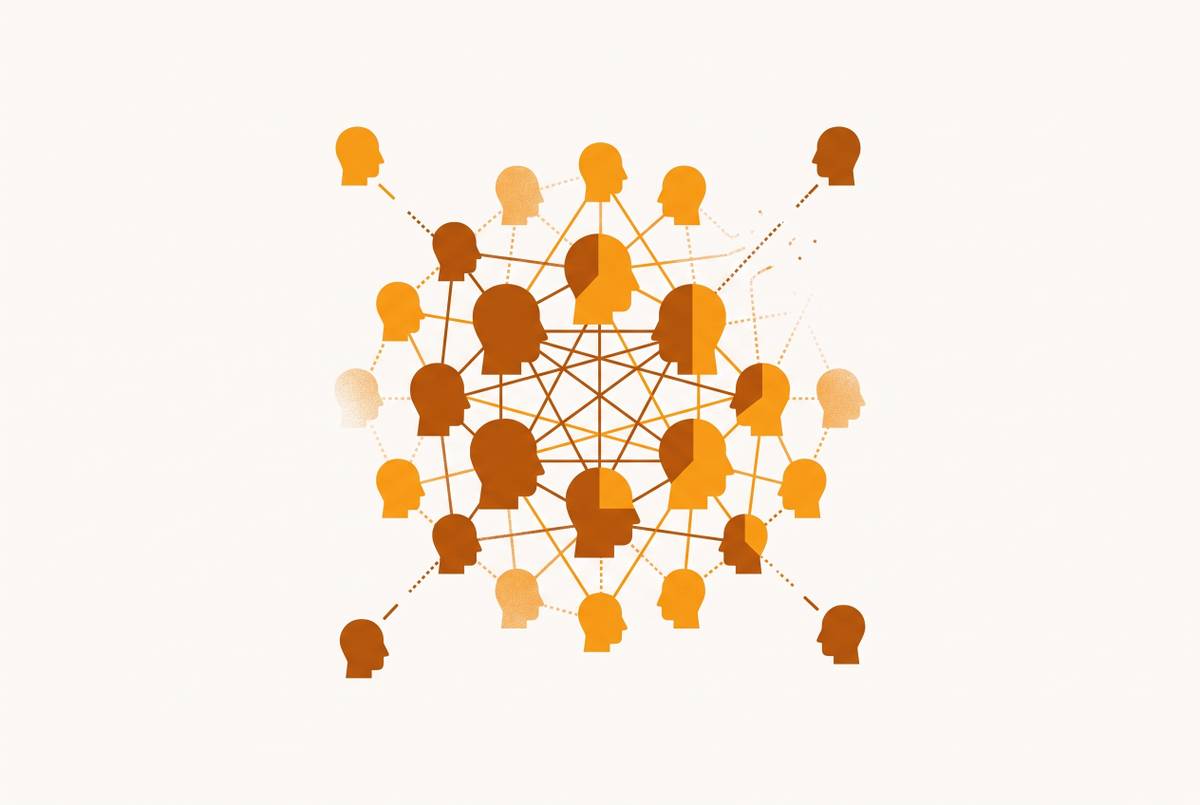
A meeting capture is not organizational memory by itself. It becomes memory only when some persistent layer sits on top of it, connecting individual recordings into something a person can actually search across. Without that layer, every recording is its own island, and a new hire has no way to know which island holds the answer they need.
Organizational memory, in the way the term gets used here, means a structured and persistent knowledge layer that lets a system retain, connect, and apply what a company has collectively learned. That's a different animal from a traditional knowledge base, which just stores static documents someone wrote once and rarely updates. A living memory layer keeps learning from new interactions, new decisions, new outcomes, rather than freezing a snapshot in time.
The operative word in that definition is "connect." A new hire trying to understand a customer relationship doesn't want to find one meeting. They want the thread: the call where a concern first came up, the follow-up where it got addressed, the later conversation where a commitment got made that nobody wrote down anywhere formal. Early adopters of organizational memory tools report reductions of 25 to 40 percent in onboarding time, along with better alignment across functions that don't normally talk to each other. That's a substantial gain measured in months of ramp time recovered. That's months of ramp time recovered.
The practical test is this: can a new hire ask a question and get an answer, or do they have to already know which folder to open? Products building toward the former connect meetings with email threads, Slack messages, and CRM records into a single searchable knowledge graph, so a question about a client surfaces relevant context from every channel that touched that client, not just whatever happened in the most recent call. That connective property is what turns meeting history into an onboarding artifact instead of a compliance record nobody opens. Reconstructing a relationship across time requires connecting conversations, while reading one conversation in isolation does not.
Uses of a well-organized meeting archive for a new hire
A structured meeting archive answers questions that no onboarding document answers: why a particular customer is sensitive, why a particular approach was rejected, who the real decision-maker is, and what was promised six months ago.
Take the handoff case first, because it's the one where the payoff appears fastest. Pipeline risk and renewal risk both drop when the incoming rep walks in already knowing what was said and what was owed. Tools built for revenue teams push this further by feeding meeting data straight into CRM fields automatically, so the context lands in the system a rep is already using on day one instead of sitting in a separate archive they have to remember exists.
Decision archaeology works differently but solves a similar problem. Instead of trusting a wiki page that says "the team picked vendor X," a new hire can find the actual meeting where that choice got argued out, see that vendor Y was seriously in the running, and understand precisely why it lost and under what conditions the team said they'd reconsider. A wiki entry is written by whoever won the argument. The meeting record is written by the argument itself.
Speaker-attributed transcripts also do quiet work on the social side of onboarding. Watching who asks the hard questions in a recurring meeting, who gets deferred to, who needs to be looped in before a decision moves forward, that's usually something absorbed by osmosis over months of sitting in rooms. An archive makes it visible from week one.
One meeting tool built specifically around this lifecycle treats a meeting as a workflow problem rather than a transcription problem, covering structured agendas before the call, accurate capture during it, and an AI agent that handles follow-through afterward. That full-lifecycle approach is what makes an archive navigable rather than just voluminous.
The MCP layer: when meeting archives become queryable by every AI tool in the stack
The archive itself is only half the story. Once meeting history is addressable through the Model Context Protocol, a new hire stops having to navigate an archive at all. They can ask whatever AI tool they're already working in, and get an answer pulled from the organization's actual meeting history.
MCP works as a kind of universal adapter for AI, functioning the way USB works for hardware: one standard connector that lets AI models plug into apps and tools, exposing both the underlying data and the ability to take action inside a product. Anthropic released it in November 2024, and by the time the current specification shipped in July 2026, it was already running in production across AWS, Google Cloud, and Microsoft, with adoption from companies including Cloudflare, Figma, Netlify, Supabase, and Xero. Claude, ChatGPT, Visual Studio Code, and Cursor all support it. That's a fast climb from protocol release to production infrastructure, and it signals the industry decided this was worth standardizing around rather than fragmenting into competing formats.
Crucially, MCP isn't a read-only pipe. It exposes tools that let a language model take real action inside a product, creating a ticket or updating a CRM field. Meeting context can flow directly into work rather than just sitting there informing someone who has to act on it manually. A handful of meeting tools have already built first-party MCP connectors. One shipped a first-party server making its notes directly queryable inside Claude, ChatGPT, and Cursor, later extending that to newer coding tools, and the integration removes the manual step of copying meeting context from one app into another. Another runs a read-only MCP server on its paid tier, listed in both the Claude and ChatGPT connector directories, so meeting content becomes addressable by an AI assistant without anyone lifting a finger. A third ships both an MCP server and an open API, so the same cross-channel search intelligence that powers its own product becomes available inside Claude, Cursor, and whatever other AI tools a team already runs.
For a new hire, the practical shift is significant. Asking Claude to summarize everything the team has discussed about a given customer or initiative now returns an answer built from months of actual meeting history, rather than whatever fragments made it into a wiki page. A developer working in Cursor can pull technical detail straight from a planning meeting without leaving the editor, and a new sales rep drafting a follow-up in ChatGPT can reference the exact language used on a client call weeks earlier. The archive stops being a destination you visit and becomes something available everywhere, by default.
Tools that produce a usable archive for a new hire
Most AI meeting tools generate output that helps the person who sat in the meeting and does almost nothing for the person who joins the team eight months later. The tools that actually serve onboarding are the ones built for navigation and connection.
Evaluating a tool against that bar comes down to four things: it supports search across meetings rather than within one, it integrates deeply with the rest of the stack, it exposes MCP or API access, and it captures in-person conversations as well as calls booked through a bot. Cross-meeting search is the floor, not a bonus feature. A tool that only searches one recording at a time is a filing cabinet, not memory.
Several tools on the market illustrate different points on this spectrum. One built around cross-platform intelligence offers a free tier with unlimited enterprise search across meetings, email, and messaging, connects that content to CRM records, and ships both an MCP server and an open API, with a paid tier around $15 per user monthly and more than fifty native integrations spanning Salesforce, HubSpot, Slack, and Notion. Another, recognized by The New York Times Wirecutter as a top pick for transcription, treats the meeting as a full workflow rather than a single event, running structured agendas ahead of the call and an AI agent for follow-through after it. A revenue-focused option layers in scorecards that track sales methodology adherence, pushes updates straight into CRM fields, and analyzes talk patterns for coaching purposes, which makes it particularly strong for the customer-facing handoff scenario described earlier.
Others solve narrower problems well. One with strong CRM integration and a bot that auto-joins calls supports more than sixty languages, though it isn't cited for MCP support, making it a solid fit for teams that need meeting data in the CRM fast without needing the deepest possible cross-meeting search. A tool built for multilingual, real-time translation across more than thirty languages runs a read-only MCP server on its paid tier and suits internationally distributed teams, though its AI analysis runs shallower than some competitors.
A handful of tools trade integration depth for simplicity. One offers unlimited free recording focused mainly on one video platform, with limited integration options that cap its usefulness for onboarding specifically. Another delivers strong English transcription and broad app connectivity but supports only a handful of languages and produces summaries without deeper cross-meeting search. A fully local, botless option built for confidential conversations posts strong accuracy numbers but isn't built toward a shared team archive at all.
For teams that want to build custom integrations or pipe meeting context into other AI tools, API and webhook access is the deciding factor, and Read AI's open API and Granola's MCP connector are the clearest examples. Granola is botless, runs on Mac and Windows, takes a privacy-first approach, offers a first-party MCP server that makes notes queryable in Claude, ChatGPT, Cursor, v0, and Lovable, provides a free tier with a limited number of meetings rather than a monthly allowance, also offers a paid tier, and is best suited for individuals or small teams where the new hire is doing their own research rather than inheriting a team archive.
The compliance layer that has to be resolved before the archive can be built
None of this is optional or automatic. Before a single meeting gets folded into an archive, someone has to resolve consent: who is being recorded, whether they agreed to it, and what jurisdiction's rules apply to that particular room or call. Recording laws vary by state and by country, and they don't bend to accommodate a company's onboarding ambitions.
A meeting archive built without clear consent practices isn't an asset, it's a liability sitting quietly until someone notices. Getting this right has to happen before the searchability, the CRM syncing, and the MCP connectors matter at all, because none of those features are worth building on top of a recording practice that wouldn't hold up to scrutiny. The technology solves a real and expensive problem in onboarding. It doesn't get to skip the legal one first.