Sales Role Handoffs and Undocumented Client Context
Lost context during handoffs costs deals and wastes time rebuilding client relationships.
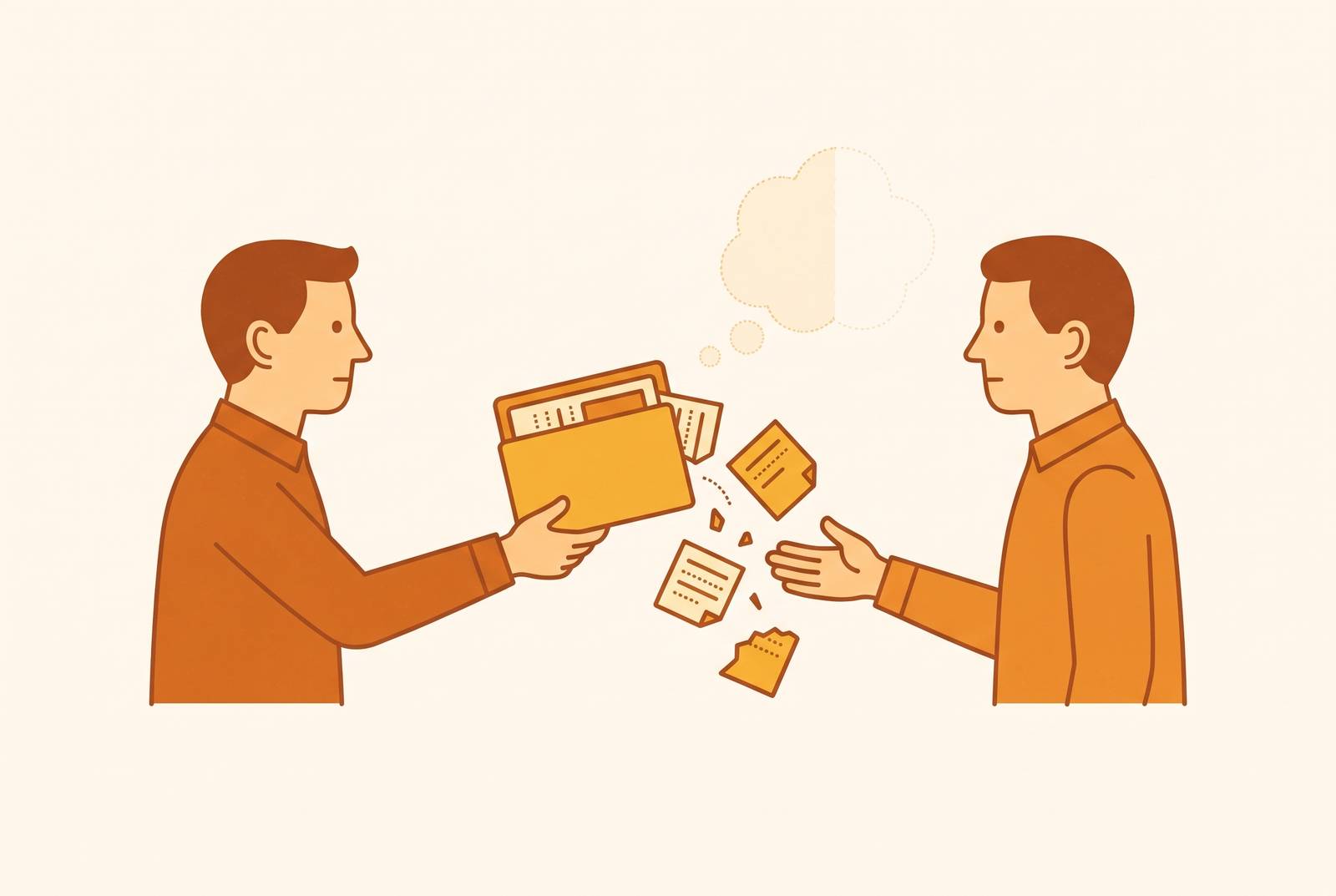
A client who has just explained, for the second time, why the last vendor's pricing model didn't work for their finance team is not being difficult. They are reacting to evidence that nobody wrote down what they said the first time. That moment, repeated across thousands of accounts every quarter, is the visible symptom of a structural failure in how sales organizations handle information. The critical details from a sales conversation, the objections raised, the pricing sensitivities surfaced, the competitor comparisons, the preferences of a particular decision-maker, routinely disappear before a handoff ever takes place, because they were never captured in a form anyone else could use.
The discovery call is where this starts, and it is the point in the sales cycle carrying the most useful information about a prospect while a rep is least equipped to write any of it down, because running the conversation and documenting it compete for the same attention. CRM entries that follow tend to be thin because writing a detailed call summary at the end of a sales day competes with the next call, the next email, and the next quota deadline, not because reps are careless.
The handoff itself lands at the worst possible time to fix this. It typically happens exactly when an account executive is closing one deal and pivoting to the next, so the window available to reconstruct missing context arrives precisely when attention is most divided. What actually survives into the next stage of the relationship is whatever happened to get typed into a CRM field, usually deal stage, company name, and a contact record, rather than the reasoning and history behind the deal. The rep who receives the account, whether a sales engineer, a customer success manager, or the next AE in line, inherits a record rather than a conversation, and has to rebuild the missing context through re-discovery calls that cost time internally and tell the client, unmistakably, that nobody on the other end had been listening.
What "undocumented context" contains
A deal's outcome usually hinges on details that never make it into a CRM field. Competitive mentions, pricing sensitivities, objections, and the internal politics around who actually sponsors a purchase are exactly the categories of context least likely to survive into a structured record.
Standard CRM fields such as deal stage, annual recurring revenue, and close date are transactional entries meant to track a pipeline, not to preserve a story. What actually makes a deal winnable or losable is conversational: the specific moment a prospect admits that a prior vendor failed for a particular reason, or the moment a finance leader states a hard ceiling on budget that no proposal can cross. Neither of those statements has a natural home in a CRM schema built around stage and value. One RevOps framework refers to the resulting cost as the "context-loss tax," the rework, the lost sales velocity, and the mispriced proposals that follow whenever the discovery story fails to travel with the deal into its next stage.
The problem intensifies outside the video call. In-person meetings and field sales visits leave no trail at all unless a rep manually creates one afterward, because there is no recording, no bot, and no automatic CRM note generated by the interaction. That gap matters more for enterprise and field-heavy sales motions, where some of the highest-stakes conversations, a walk-through of a client's floor operation, a handshake meeting with a plant manager, happen precisely where no software is listening.
Every one of these gaps assumes the same fragile condition: that the person who was present for the conversation remains the one responsible for the account. Deals that run on a single rep's memory function only as long as that rep stays in the role. Once they move to another account, another team, or another company, the context they were holding leaves with them, and nothing in most systems is built to catch it on the way out.
AI meeting tools that capture context reps don't write down
AI meeting tools address this problem at its root rather than at its symptom. They remove the act of documentation from the rep's task list, instead of asking reps to become more disciplined note-takers. The mechanical core of these tools is consistent across the category: join or otherwise capture a call, transcribe it with speakers identified, generate a structured summary, extract action items, and make the resulting record searchable, all without requiring the rep to type anything during or after the conversation.
For a sales audience, it helps to separate the category into three tiers. The first covers transcription-first tools, which capture conversations accurately and layer light automation on top, producing a useful record that still requires someone downstream to act on it. The second and largest tier consists of AI summary note-takers, which record and transcribe automatically and generate readable summaries with action items attached, the point at which most sales teams first adopt this kind of software. The third tier includes conversation intelligence and sales-specific tools, which add coaching feedback, deal-risk signals, and CRM workflows so that what happens on a call feeds directly into the pipeline rather than sitting untouched in a transcript folder.
Transcription accuracy on clean English audio has stopped being a meaningful way to tell these tools apart. The competition that actually matters now happens after the transcript is produced, in what a tool does with the words once they exist.
One architectural choice shapes almost everything downstream for sales teams specifically: whether a tool joins the call as a visible bot or captures audio without one. Bot-based tools, a category that includes products that join meetings as a named participant, capture audio with clear speaker labels and work across whatever platform the bot is permitted to enter. Botless tools instead capture audio locally from the user's own device, so no bot appears in the participant list and the client never sees any indicator that the call is being recorded by third-party software. Bot-based tools generally produce cleaner speaker identification. Botless tools trade some of that precision for invisibility, and the right choice depends heavily on the kind of meeting and the sensitivity of the client relationship involved.
Field and in-person sales sit outside both categories, since neither a bot nor a laptop microphone helps much during a walk-through of a client's warehouse or a conversation in a prospect's office. Hardware-based recorders remove the dependency on a meeting link altogether, storing audio locally so a rep can capture a conversation on-site and sync it to a system later, once back at a desk or in range of a connection.
Where tools differ: from transcript to CRM record
A transcript sitting inside a note-taking app still leaves the next rep without a record in the system they will actually open. Structured context reaches the system the next rep will open only once it flows into the CRM itself, which for most sales organizations is where the fix has to land.
The sharpest line in the category runs between tools that produce a summary and tools that act on one. AskElephant writes call data directly into HubSpot and Salesforce fields, creates follow-up tasks from commitments made on a call, and generates handoff documents for customer success teams without any rep involvement, representing the deepest level of post-call automation for revenue teams currently available in this category. Enterprise conversation-analytics tools can update CRM fields automatically through deal-risk insight features and data extraction, though their core strength remains coaching and conversation analysis rather than automated record-keeping. Some meeting tools sync meeting notes into the CRM as logged activity rather than writing structured data into specific fields such as deal stage or next steps, which makes for an accessible starting point given a free tier, even though a human still has to translate the note into pipeline action.
Some meeting assistants connect with Salesforce, HubSpot, and Zapier on paid plans, while others offer native field updates for Salesforce and HubSpot on paid tiers, including property mapping that writes structured meeting outcomes directly into specific contact and deal fields. Some tools combine meeting assistance with conversation intelligence and CRM workflows spanning Salesforce, HubSpot, Zoho, Pipedrive, Copper, and Zendesk Sell.
The distinction that matters most for a handoff is between tools that update deal stage, next steps, and contact properties directly from a transcript, which take the rep out of the documentation chain entirely, and tools that simply attach a summary to a contact record, which still require a human to read that summary and turn it into action. The relevant question for a handoff is not whether the receiving rep can locate a linked summary document somewhere in the CRM. It is whether that rep can open the account and find direct answers to what objections came up, what pricing was discussed, who the internal sponsor is, and which competitors were mentioned, without reading through an entire call transcript to find them. A searchable meeting library is a meaningful improvement over nothing, but automatic field population serves a rep walking into a cold call far better than a searchable archive they have to query first. Research cited by Monday.com indicates that AI-enabled handoffs, when paired with CRM automation, can reduce both deal cycle time and cost, and the mechanism behind that reduction is simple: removing the reconstruction lag that otherwise opens every handoff.
Comparing the leading tools on the dimensions that determine handoff quality
Selecting a tool for sales handoffs calls for a different set of criteria than selecting one for general meeting productivity. Handoff quality depends on which tool puts the right context in front of the next person to touch the account, without asking the departing rep to do any extra work to get it there.
Five criteria determine handoff quality specifically. The first is post-transcription automation depth: whether a tool writes structured data into CRM fields or simply attaches a summary document somewhere near the contact record. The second is coverage of field sales and in-person meetings, since a tool built entirely around video calls leaves a gap everywhere a rep meets a client in person. The third is bot visibility, since a visible bot changes the character of a client-facing call in ways that matter for some relationships and not others. The fourth is searchability across past meetings, meaning whether a rep stepping into an account can query six months of prior conversation history rather than starting from zero. The fifth is workflow routing: whether context flows automatically into the tools where work actually happens, such as Slack, Linear, Asana, or the CRM itself, rather than sitting isolated in a single note-taking app.
Measured against those criteria, the tools in this category cluster by use case rather than by a single ranking. AskElephant sits furthest along the automation axis for revenue teams specifically, writing directly to CRM fields, generating tasks, and producing handoff packages, with no seat minimum on its Core plan (its White-Glove plan requires five seats) and a 4.9 rating on G2, making it a fit for teams that want transcription and CRM automation combined in one platform. Premium per-user tools that do not auto-update CRM fields by default deliver insight without automatically generating the record itself, and suit large teams focused primarily on coaching and deal-risk visibility.
Some tools sync notes as CRM activity rather than structured fields, offer a free tier and accessible paid pricing, and support a broad range of platforms including Zoom, Teams, Meet, and Webex, making for a reasonable entry point for a team new to meeting transcription. Some bot-based tools support team collaboration and CRM integrations, and offer a free tier with a monthly minute allowance alongside modest paid pricing, though they produce summaries rather than structured field updates.
A botless option can run on Mac and Windows, capture audio locally, and cap its free tier at a lifetime total of 25 meetings rather than a monthly allowance, with low-cost paid pricing, limited integrations, and no post-meeting automation, fitting privacy-conscious individual contributors in client-facing roles. Fathom is also botless, carries the strongest free tier in the category, offers limited CRM export rather than native field writing, and is built primarily for virtual meetings with limited in-person support.
Some tools split the difference on architecture. A product like tl;dv offers both bot and botless modes, includes enterprise compliance features, affordable paid plans, and CRM sync, while a tool such as Fellow similarly offers both modes with a focus on meeting management, low-cost pricing, task creation from notes, and more than 50 integrations. For sales reps who move between virtual calls and physical client visits, a hardware option such as Plaud, sold through devices like the Plaud Note Pro (buyers should check current pricing on the Plaud NotePin S separately), removes bot dependency altogether and covers phone calls, in-person visits, and field sales through local recording, though CRM handoff functions as an export and automation step rather than native revenue intelligence. Cirrus Insight is built for Salesforce enterprise sales teams, offering meeting AI before, during, and after a call along with CRM automation and a free trial, making it a fit for organizations already living in Salesforce. Some tools round out the field with conversation intelligence tied to native integrations across Salesforce, HubSpot, Zoho, Pipedrive, and Copper, talk-time and speaker analytics, and a conversation intelligence add-on priced per seat annually, with partial rather than complete support for in-person and field meetings.
Every price and plan detail above reflects the sourcing available at the time this comparison was assembled. Vendor pricing changes often enough that any team evaluating these tools for procurement should confirm current terms directly before committing budget.
Meeting context as organizational memory across the account lifecycle
A single missed handoff is a one-time failure that costs a few wasted calls and an irritated client. The accumulated version of that failure, repeated across every rep transition, every promotion, and every departure over the life of an account, costs most organizations far more than any single missed handoff, precisely because it never appears as a single line item.
Brandon Hall Group research cited in industry sources puts the typical ramp time for a new enterprise hire at six to twelve months to reach full productivity, and a meaningful share of that delay is not a skills gap at all. New hires spend much of that window not learning how to sell, but learning the history of the accounts they've inherited, the decisions that were already made on those accounts, and the reasoning nobody wrote down at the time.
Organizational memory systems built on captured meeting data close that gap by a different mechanism than documentation ever could. These systems give a new team member access to the reasoning behind a decision, not just the decision itself, instead of waiting for someone to write down what happened after the fact. Early adopters of this approach report shorter onboarding timelines, and the mechanism driving that improvement is the same one that fixes an individual handoff: context that travels inside the record survives a personnel change, while context that lives only in someone's memory does not.
The same design choice repeats at every scale from a single handoff to an entire account's lifecycle, because it produces the failure visible at each level. If the decisions that matter happen inside meetings and conversations, then any system that waits for a human to write them down afterward will always be behind. The only architecture that keeps pace is one built to capture the conversation itself, at the moment it happens, before anyone has the chance to forget it.